
Dash Cam: Essential Guide For Smarter Driving – This guide helps you choose and use a dash cam for better driving safety and peace of mind. Learn what features matter, how to pick the right one for your car, and how it can protect you on the road.
Ever worried about what happens if you’re in an accident? Or if someone backs into your car while it’s parked? These are common concerns for drivers. A dash cam is becoming an essential tool for many car owners, offering an indisputable witness to events on the road. In this essential guide, we’ll break down everything you need to know about choosing and using a dash cam, making smarter driving a reality for everyone. We’ll cover what to look for, how to install it, and how it can provide valuable protection.
What is a Dash Cam and Why Do You Need One?
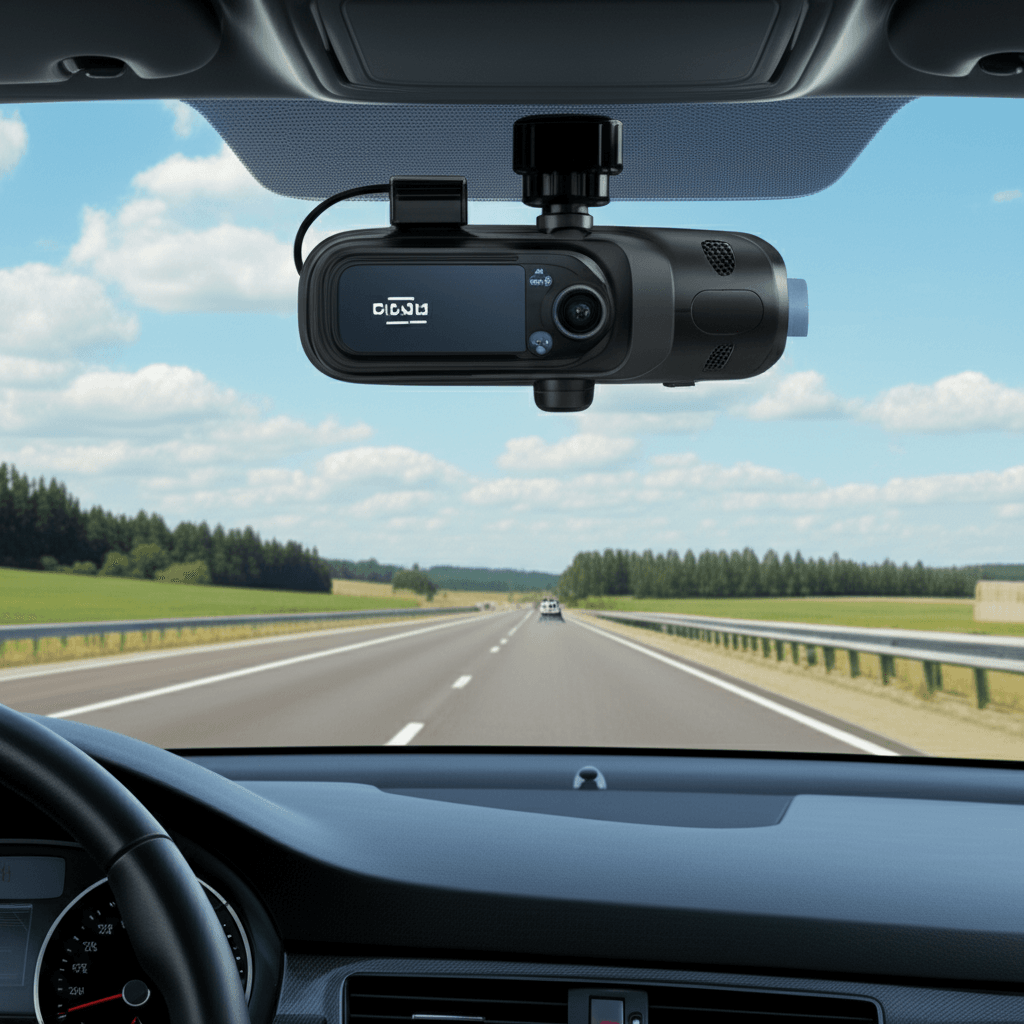
A dash cam, short for dashboard camera, is a small video camera that you mount on your car’s windshield or dashboard. Its primary job is to record the view from your car while you’re driving. Think of it as a black box for your vehicle. In today’s world, a dash cam is more than just a gadget; it’s a smart investment in your safety and security. It can provide clear evidence in case of accidents, help dispute false claims, and even deter reckless drivers.
The National Highway Traffic Safety Administration (NHTSA) emphasizes the importance of driver awareness and safety technologies. While they don’t specifically mandate dash cams, the recording capabilities align perfectly with their mission to improve road safety. Similarly, organizations like AAA often provide resources on vehicle safety features, and a dash cam fits into this broader picture of protecting yourself on the road.
Choosing the Right Dash Cam: Key Features and Considerations
Navigating the world of dash cams can seem daunting with so many options available. But don’t worry, we’ll simplify it. Here’s what to look for to ensure you get a device that meets your needs:
Video Quality: Clarity is King
This is arguably the most important feature. A dash cam needs to capture clear footage so you can identify details like license plates, road signs, and faces. Look for cameras that record in at least 1080p (Full HD). Higher resolutions like 1440p or even 4K offer even more detail, which can be crucial in difficult lighting or fast-moving situations.
- Resolution: Aim for 1080p as a minimum. 1440p or 4K is better.
- Frame Rate: 30 frames per second (fps) is standard and usually sufficient. 60 fps provides smoother video, especially for fast-moving objects.
- Field of View (FOV): A wider FOV (e.g., 140-170 degrees) captures more of the road and surroundings, reducing blind spots.
Low-Light Performance
Most accidents and incidents don’t happen in broad daylight. Your dash cam needs to perform well in low-light conditions, such as at dawn, dusk, or at night. Look for cameras with good sensors and features like infrared (IR) or advanced night vision technologies.
Reliable Recording and Storage
Dash cams record footage onto a microSD card. Ensure the camera supports cards with sufficient capacity (e.g., 64GB, 128GB, or more) and that it supports loop recording. Loop recording is essential because it automatically overwrites the oldest footage when the card is full, ensuring you always have recordings available.
- MicroSD Card Compatibility: Check the maximum supported card size.
- Loop Recording: Essential for continuous recording.
- G-Sensor: This feature detects impact and automatically locks the current recording, preventing it from being overwritten. This is crucial for accident footage.
Parking Mode
Parking mode is a lifesaver for protecting your car when it’s unattended. When the camera detects motion or impact while you’re parked, it automatically turns on and starts recording. This can help identify hit-and-run drivers or vandals. Note that parking mode often requires a hardwire kit to connect the dash cam directly to your car’s battery, allowing it to record even when the engine is off. Some kits include voltage cutoff features to protect your car’s battery.
GPS Functionality
A GPS module allows your dash cam to log your location and speed with the recorded video. This can be invaluable for corroborating your side of the story in an accident or for reviewing road trips. Many dash cam apps allow you to replay your route on a map.
Ease of Installation and Use
For beginners, a simple setup is key. Most dash cams come with suction cup or adhesive mounts that attach easily to your windshield. Connecting the power cable to your car’s 12V outlet is usually straightforward. Many modern dash cams also offer Wi-Fi connectivity, allowing you to view and download footage directly to your smartphone using a dedicated app.
Audio Recording
While not always essential, audio recording can provide additional context. However, be mindful of privacy laws regarding audio recording in different regions.
Form Factor and Discretion
Some drivers prefer a small, discreet dash cam that blends in with the interior and doesn’t obstruct their view. Others might opt for a more robust unit with an integrated screen.
Dash Cam Features Comparison Table
To help you visualize the options, here’s a comparison of common dash cam features:
| Feature | Description | Importance for Beginners | Notes |
|---|---|---|---|
| Video Resolution | Clarity of recorded video (e.g., 1080p, 1440p, 4K) | High | Higher is better for detail, especially license plates. |
| Field of View (FOV) | How wide an area the camera captures (e.g., 120°, 140°, 170°) | Medium-High | Wider captures more of the scene. |
| Low-Light Performance | Ability to record clearly in dark conditions | High | Crucial for night driving and tunnels. |
| Loop Recording | Automatically overwrites old footage when storage is full | Essential | Ensures continuous recording. |
| G-Sensor | Detects impacts and locks current recording | Essential | Protects critical footage from being overwritten. |
| Parking Mode | Records events when the car is parked | High | Requires a hardwire kit for some setups. |
| GPS | Records location and speed data | Medium | Useful for evidence and trip review. |
| Wi-Fi Connectivity | Connects to smartphone app for viewing/downloading | Medium-High | Convenient for managing footage. |
Top 5 Dash Cam Picks for Everyday Drivers
Here are five highly-rated dash cam models known for their reliability and features, perfect for enhancing your driving experience. Remember to check current pricing and availability on Amazon USA.
1. VIOFO A119 V3 – Best Overall Value
The VIOFO A119 V3 is a popular choice for good reason. It offers excellent 1440p resolution, impressive low-light performance thanks to its Sony STARVIS sensor, and a wide 140° field of view. It includes essential features like G-sensor, loop recording, and seamless GPS logging. It’s a solid, reliable dash cam that won’t break the bank.
2. ROAV by Anker – C2 Pro Dashcam – Compact and Reliable
Anker is known for its quality tech accessories, and the ROAV C2 Pro is no exception. This dash cam delivers crisp 1080p footage, boasts good low-light capabilities, and features a discreet design. It’s easy to set up and use, making it an excellent option for those new to dash cams. It integrates well with the ROAV app for managing your recordings.
3. NEXGIM AI Dash Cam – Smart Features and Parking Guardian
The NEXGIM AI Dash Cam stands out with its advanced features like AI-powered driver assistance (e.g., fatigue alerts, forward collision warnings) and robust parking guard functionality. Recording in 4K, it captures incredible detail. While it offers more tech, it remains user-friendly with Wi-Fi and an app for easy access to recordings and settings.
4. REDTIGER 4K Dual Dash Cam – Front and Rear Protection
If you want comprehensive coverage, a dual dash cam is the way to go. The REDTIGER 4K model records in stunning 4K from the front and 1080p from the rear, providing a complete view of what’s happening around your vehicle. It includes night vision, GPS, G-sensor, and loop recording, making it a feature-rich package for total peace of mind.
5. Garmin Dash Cam 67W – Advanced Connectivity and Compact Design
Garmin’s Dash Cam 67W is a sleek, ultra-wide-angle (180°) 1440p dash cam. It’s praised for its automatic incident detection, voice control, and excellent connectivity via Wi-Fi and Bluetooth. It offers robust parking surveillance and easily syncs footage to your smartphone using the Garmin Drive app or cloud storage (subscription required). Its compact size makes it very unobtrusive.
Installing Your Dash Cam Safely
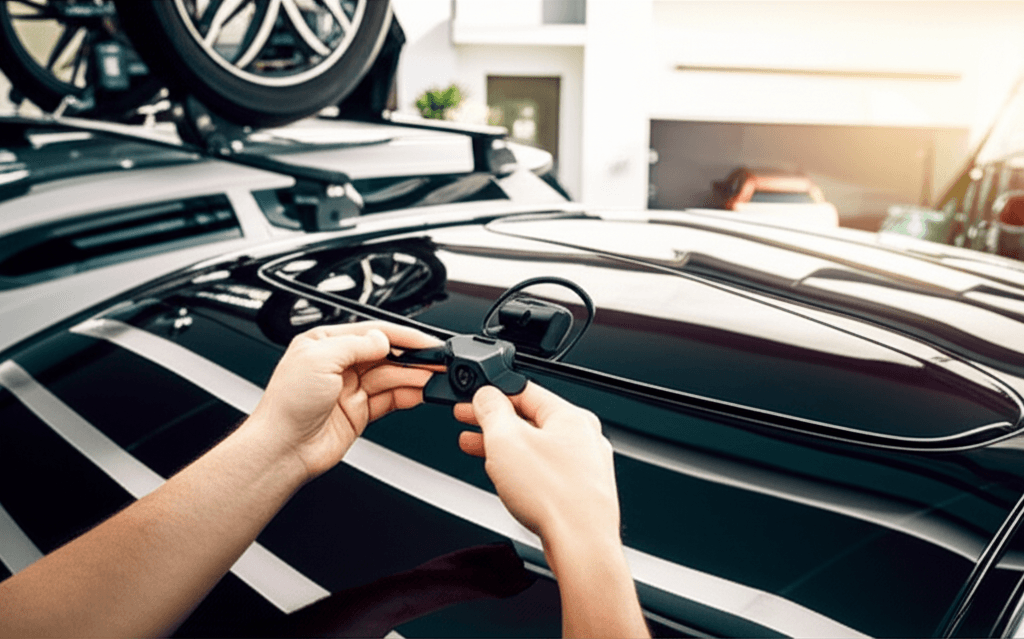
Installing a dash cam is typically a straightforward DIY project. Here’s how to do it safely:
- Choose the mounting location: Select a spot on your windshield, usually behind the rearview mirror, that offers a clear view of the road without obstructing your vision. For discreet installation, many people prefer this location.
- Clean the mounting area: Use a glass cleaner to thoroughly clean the spot where the mount will adhere. Ensure it’s dry before proceeding.
- Attach the mount: Peel off the protective backing from the adhesive pad or place the suction cup firmly on the glass. Press down for about 30 seconds to ensure a good seal.
- Mount the dash cam: Slide or clip the dash cam onto the mount. Adjust the angle to get the best view of the road ahead.
- Connect the power: Plug the dash cam’s power adapter into your car’s 12V power outlet (cigarette lighter socket).
- Route the power cable: Carefully tuck the power cable along the edges of your dashboard and headliner to keep it tidy and out of the way. You can use the included trim tools or small clips to help secure the cable.
- Insert the microSD card: Make sure the dash cam is powered off, then insert a compatible microSD card into the designated slot.
- Power on and set up: Turn on your car’s ignition. The dash cam should power on automatically. Follow the on-screen prompts or the smartphone app instructions to set the date, time, and any preferred settings.
Safety Notes:
- Never mount the dash cam where it interferes with airbag deployment or your view of the road.
- Ensure all cables are routed safely and won’t snag on anything or get pinched.
- If you’re installing a hardwire kit for parking mode, ensure you understand your car’s fuse box and wiring. If unsure, consult a professional or your car manual. It’s important to connect to the correct fuse circuits (e.g., ACC and constant power) and use a fuse tap to avoid damaging your car’s electrical system.
Common Mistakes to Avoid:
- Mounting the camera too low, obstructing your view.
- Not cleaning the windshield properly, leading to the mount falling off.
- Using a cheap, low-quality microSD card that fails or corrupts easily.
- Forgetting to format the microSD card in the dash cam before first use.
Using Your Dash Cam Effectively
Once installed, your dash cam is ready to work for you. Here’s how to get the most out of it:
- Check Recordings Regularly: Periodically review your footage, especially after significant events or long trips. This helps ensure the camera is working correctly and that you know how to access your recordings.
- Understand How to Save Footage: Familiarize yourself with how to manually save or lock a recording if you witness something important or are involved in an incident. This usually involves pressing a button on the device or using the smartphone app.
- Keep Firmware Updated: Dash cam manufacturers often release firmware updates to improve performance, fix bugs, or add new features. Check the manufacturer’s website or app regularly for updates.
- Maintain Your MicroSD Card: It’s good practice to format your microSD card every few months through the dash cam’s menu. This helps optimize its performance and prevent potential issues.
- Know Your Local Laws: Be aware of any legal restrictions regarding dash cam usage or audio recording in your area.
Dash Cam FAQ
What is the purpose of a dash cam?
A dash cam records video footage of your driving, acting as an eyewitness to incidents on the road. It can capture accidents, disputes, or even acts of vandalism.
Do I need a fast microSD card for a dash cam?
Yes, it’s recommended to use a high-speed (Class 10 or UHS-I U3 or higher) microSD card to handle the continuous video recording, especially at higher resolutions like 1080p or 4K.
Can a dash cam drain my car battery?
If used in parking mode without a proper power management system (like a hardwire kit with low-voltage cutoff), a dash cam can drain your car battery. Most modern hardwire kits prevent this.
Is it legal to have a dash cam in my car?
In most places, yes. However, laws regarding where you can mount it and whether you can record audio can vary. It’s wise to check local regulations.
How do I review footage from my dash cam?
Most dash cams either have a small screen for playback, allow you to download footage to a computer via the microSD card, or connect to a smartphone app via Wi-Fi for easy viewing and downloading.
What’s the difference between a dash cam with and without GPS?
A dash cam with GPS will record your vehicle’s speed and location along with the video. This data can be invaluable for accident reconstruction. A camera without GPS will only record video.
Do I need a dash cam if I have good insurance?
While good insurance is essential, a dash cam provides objective evidence. This can help resolve claims faster, protect you from fraudulent claims, and potentially lower your premiums by proving you weren’t at fault.
Final Thoughts: Drive Smarter, Drive Safer
Adding a dash cam to your vehicle is a smart, proactive step towards enhanced driving safety and security. It’s a tool that provides peace of mind, acting as a reliable witness in unpredictable situations. From helping resolve disputes to protecting your vehicle when parked, the benefits are clear. By considering the key features like video quality, low-light performance, and parking mode, and by choosing a model that fits your needs and budget, you can easily equip your car with an essential piece of technology.
Don’t wait for an incident to happen. Investing in a quality dash cam is an investment in your safety and your peace of mind on the road. Drive confidently, knowing you have an extra layer of protection. Keep up with your car care and safety—it’s worth it!